Brought to you by NEISD Instructional Technology. Happy Holidays!

Brought to you by NEISD Instructional Technology. Happy Holidays!
As the end of a most unusual year approaches, you might want to begin thinking about how to celebrate student achievement virtually. Below are some ideas curated from Twitter. Click here to view full screen.
One of my favorite Twitter peeps, Amanda Sandoval (@historysandoval) provided the inspiration for this year’s May the 4th Be With You celebration. Her gameboard like Google Slides template has gone viral and I thought it would be the perfect format to curate fun Star Wars themed activities. Click here to view the Slide full screen. Click here to make a copy
Click here for the Seesaw version.
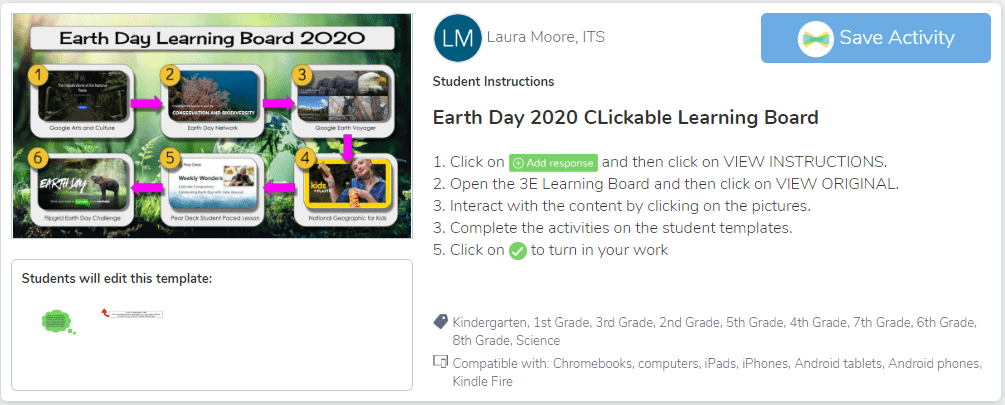
Clickable learning boards are my new jam. I got the idea from Kris Szajner, who is the ultimate Seesaw guru. I just finished up an activity to celebrate Earth Day. You can find the Seesaw Activity link here and the Google Slide activity here. For more information on how to create clickable learning boards as well as a plethora of other amazing Seesaw tips and tricks, please subscribe to Kris’s YouTube channel.

I’ve created a quick presentation for those of you that are HyperDoc and Seesaw users. This is the way I organize the learning cycles into a Seesaw Activity Template. I’ve included directions and copies of the templates I’ve created using Slidesmania. Click here to view the presentation full screen.
In this week’s edition of Stuff That Rocks, I got to play around with a different template in Genial.ly. Yup, I’m addicted. If you haven’t checked it out by now, please do. It is my official happy place.
I’ve been perusing Twitter all week and found two amazing hacks I didn’t know you could do. Jake Miller shares how he sets audio to play for a subset of Google slides, but not for others. Kasey Bell blew my mind with directions on how to create an animated gif from a YouTube video. I love Twitter.
I also wanted to share 3 of my favorite tools that will make your life so much easier:
Hopefully you will find these resources useful. If you have something you think other educators should know, please let me know in the comments section. Click here to view the presentation in full screen mode. It’s going to ask if you want to hear the background music. Yes, you do.
RIP Rock the Lab. I decided last year to no longer maintain the site because of the time it took away from my personal life. The archived version that I moved to this blog had outdated resources and broken links, so I made the decision to permanently remove the site. However, I do want to continue to provide you with all of the content I was either making myself or curating from other content creators on the web. Stuff That Rocks will be a weekly post that shares inspirational lessons or tools that can support engagement and interactive lesson design. Check out 5 things I found recently that will hopefully rock your week.
The embedded presentation below is from a site called genial.ly. It. Is. So. Cool. Click on each number to see the content. If the font is too small to read as is, click on the 3 dots in the bottom right corner to make it full screen.
As we welcome a new month, the Featured Lessons page on Rock the Lab gets some new December Bling. There are multiple engaging lessons that allow students to practice various technology skills, core content learning objectives and have a little fun to boot. Just click on Rock the Lab in the main navigation toolbar and then click on the December button under the Featured Lessons Section.
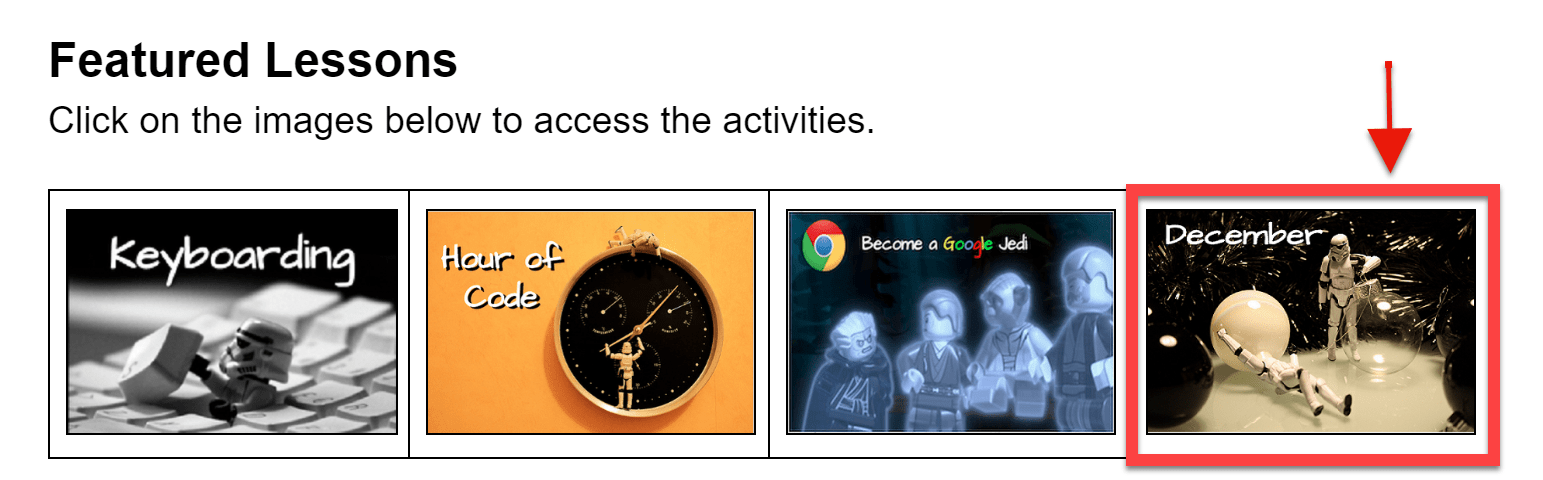
I highly recommend you preview the lessons before using them with students so you can decide on your workflow. Assigning them through Google Classroom might be your best bet. That way students don’t have to share the activity with you and your email inbox will be quite pleased. Let me know how it goes in the comment section. Merry Techmas!
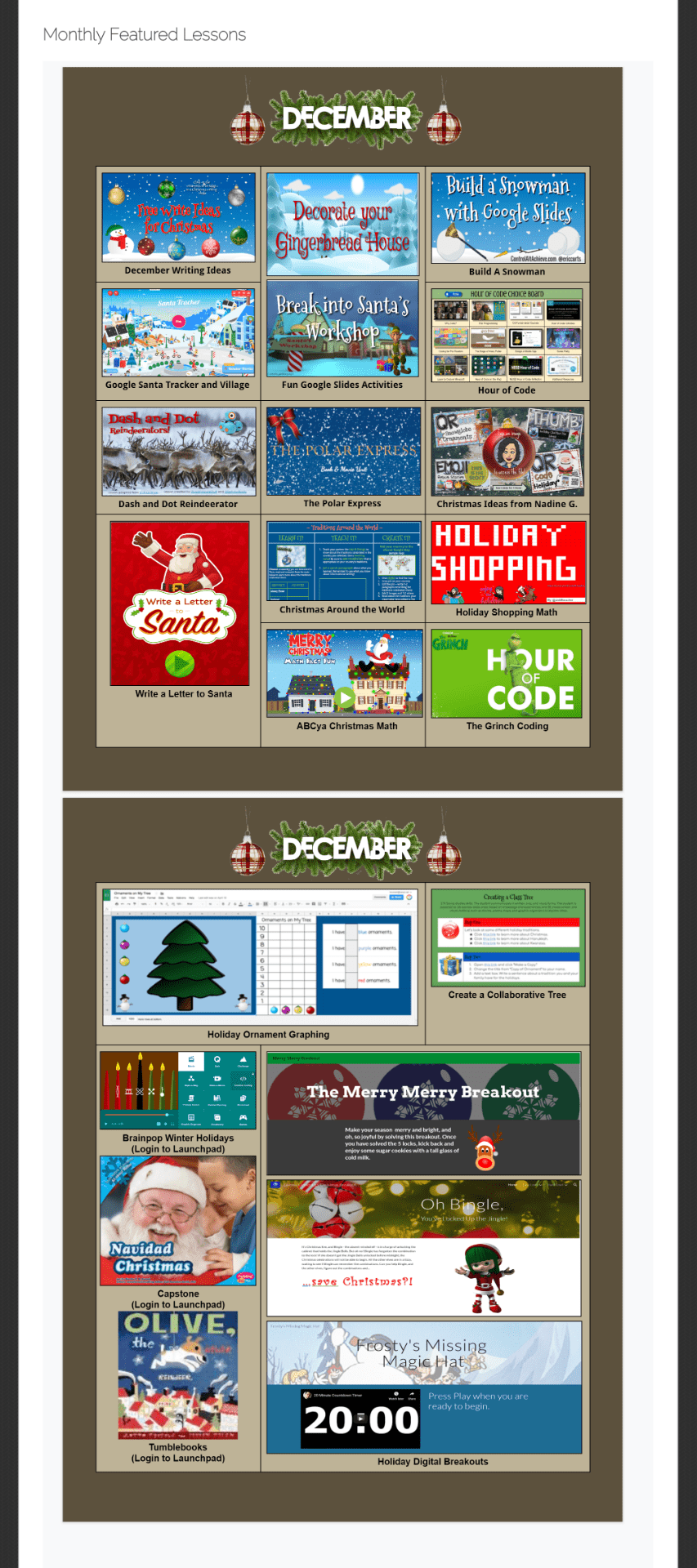
Hour of Code will be celebrated during the week of December 9-15. I recently updated my HOC choice board you can use with your students. Code.org® is a nonprofit dedicated to expanding access to computer science in schools and increasing participation by women and underrepresented minorities. Their vision is that every student in every school has the opportunity to learn computer science, just like biology, chemistry or algebra. This resource begins with videos of actual coders in the field discussing how computer science has a huge impact on our world. Students can choose to follow the fundamental courses that are designed for each grade level (K-5) or choose some of the other coding games like Harry Potter, Minecraft, or Dance Party. The last resource is a site where you can type your students’ names and print participation certificates.
Click here to open the presentation choice board.
HAPPY CODING!


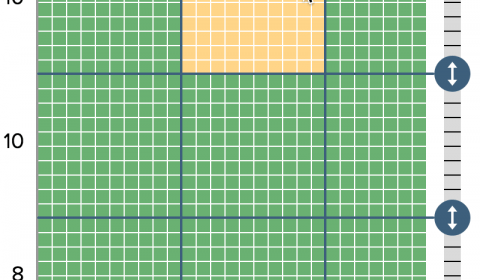
SMART Boards can be so much more than an expensive display for your projected desktop image or something underneath a document camera. They have the potential to provide students with the opportunity to engage with content, facilitate task management, and promote an interactive learning space for both whole and small group instruction. Below are some easy ways to create a “SMART Command Center” for your classroom.
The next edition of my summer learning series features my all time favorite technology experience (notice I didn’t use the word tool). Google acquired Keyhole Earth Viewer in 2004 and was launched as Google Earth in 2005. Since then, I have been obsessed with discovering everything I ever wanted to know about our planet’s physical features, or specific destinations I know I’ll never get around to visiting on an educator’s budget. I recently put together a resource for K-12 teachers that showcases how you can support classroom instruction across the curriculum utilizing Google Earth Pro, Web and App. The presentation begins with basic navigation skills for all 3 versions and goes into more detail with advanced features such as Voyager, Street View, creating tours, and toggling between Moon, Sky and Mars.
There are numerous slides that allow you to practice the skills referenced in the video tutorials. Towards the end of the presentation, each curriculum area has specific examples of lessons that allow you to see the power of Google Earth in the classroom. Click here to make a copy of the presentation below.
WARNING: Once you discover how cool Google Earth is, you will spend many, many hours of your summer vacation traveling to exotic locations.
Summer is one of those sacred “reboot” times for teachers to take care of themselves and focus on friends, family and fun. It’s also the only opportunity many of us have to explore new ideas for implementation during the new school year. So, before you get bombarded with beginning of the year tasks, take a few minutes once a week to check out my summer learning series.
Today’s post features a game-changing tool that many of you already have mastered: Flipgrid. But, have you thought about how this amazing tool can help modern students develop essential skills needed to succeed in tomorrow’s workplace? On January 7, 2010, Steve Jobs introduced the world to the iPad. That was only 9 years ago. Think about all of the jobs that now exist just from the introduction of the iPad into our daily lives. We can’t possibly know how our current Kinder students will be making a living once they graduate and enter the workforce. One thing is for sure…the will need to be proficient in the following skills:
Last week at Igniting NEISD, I facilitated a workshop that provided examples of how Flipgrid can support the 4Cs. Below is the embedded presentation that might spark ideas you can use with next year’s classes.
If you have additional ideas or resources, please share in the comments section below. Happy summer!
May the Fourth be with you! Saturday, May 4th 2019 is Star Wars Day, the fan-created international celebration of all things Jedi. (Fans of the Dark Side will have their turn Sunday with their own day, “Revenge of the Fifth.”) There is an entire page on Rock the Lab dedicated to providing you and your students activities that celebrate the most successful film franchise of all time. But beware, not everyone, especially The Empire, wants you to celebrate this day:
Star Wars Day Attack Ad: Say No to May the 4th on Disney Video
Just have your students head on over to Rock the Lab, scroll down to the bottom of the home page and  click on the Star Wars Fun button. There are many activities, some educational and some not so much, that can be used as a brain break from intense Death STAAR review prep.
I was giddy with joy when Matt Miller came out with his Printable PD Volume 1. I immediately knew that was how I was going to share what I learned at TCEA with my teachers and department colleagues. The presentation below can be used digitally or can be printed and placed in the teacher’s lounge. Simply scan the QR codes with your cell phone (or click on the QR codes when using a computer) to access all of the golden nugget take-a-ways and resources provided by the TCEA presenters. Click here to make your own copy. Enjoy!
The weeks leading up to the STAAR Assessment DO NOT have to be painful (for you or your students). Every year, the forests in North America seemingly become smaller and less dense due to the massive amounts of STAAR Review packets that teachers love to print for every tested subject area. This year try something new and exciting. There are a plethora of free tools to use across all of your devices that will bring out the ferocious learner in your students. The Sway presentation below highlights 10 tools that include example activities for elementary Math, Reading, and Writing. There are also links to video tutorials in case one or two strike your fancy. Just click on each card to advance.
Work smarter, not harder. Each team member on your grade level can choose a different tool to create a review activity. All of the tools mentioned above have the ability to share your finished product with other educators. Once shared, you now have 6 or 7 review games (depending on the number of teachers on your team) to use with students, and you didn’t spend hours of prep time making them.
If you use Seesaw or Flipgrid with your students, have parents record an inspirational message of encouragement that students view right before they take the exam. These are also great tools to use when you need to make student thinking visible.
Seesaw
Flipgrid
Make Thinking Visible
